Most conversations about AI in UX design focus on speed: faster prototypes, faster synthesis, faster handoffs. Speed is real. But the teams using AI poorly aren't slow. They're producing more of the wrong work, more efficiently.
Two years into integrating AI across client work (SaaS redesigns, enterprise design systems, MVP launches, AI-native product builds), our approach has a clear shape. Here's where AI changes what's possible in our process, where it doesn't, and the framework we use to keep the two from blurring.
Where AI Changes What's Possible
| # | Issue | Severity | Heuristic | Recommended Fix |
|---|---|---|---|---|
| 07 | AI output displayed without confidence indicator or explanation | Critical | H1: Visibility of system status | Add a brief reasoning summary ("Based on X, we recommend Y") + confidence tier label |
| 12 | No error state when AI recommendation fails to generate | Critical | H9: Help users recognize, diagnose, recover from errors | Implement explicit fallback state with manual override option |
| 19 | Accept/reject actions are unlabeled icon buttons | High | H4: Consistency and standards | Replace with labeled text buttons; confirm destructive actions |
| 23 | Mobile: action buttons fall below visible viewport on recommendation cards | High | Mobile responsiveness | Pin action buttons to bottom of card regardless of content length |
| 31 | Recommendation history accessible only via settings > account > history | Medium | H6: Recognition rather than recall | Surface recent recommendations in main dashboard sidebar |
Research synthesis. Qualitative research generates volume fast: interview transcripts, survey responses, usability session notes. We use AI to compress the time between raw data and recognizable patterns, surfacing recurring themes across dozens of interviews in hours rather than days.
The key word is surfacing. AI identifies that six users mentioned confusion at the same step in an onboarding flow. Deciding whether that confusion is a wording problem, a mental model mismatch, or a structural flow issue requires someone who understands the product context. That interpretation stays human, and it's where the real diagnostic work lives.
Concept exploration and AI prototyping. The biggest workflow shift for us has been using AI in the diverge phase: generating multiple lo-fi layout directions, content hierarchy options, and UI pattern variations faster than traditional wireframing. The point isn't the output. It's getting to something concrete enough to critique, early enough that the feedback shapes the direction rather than just reacting to it.
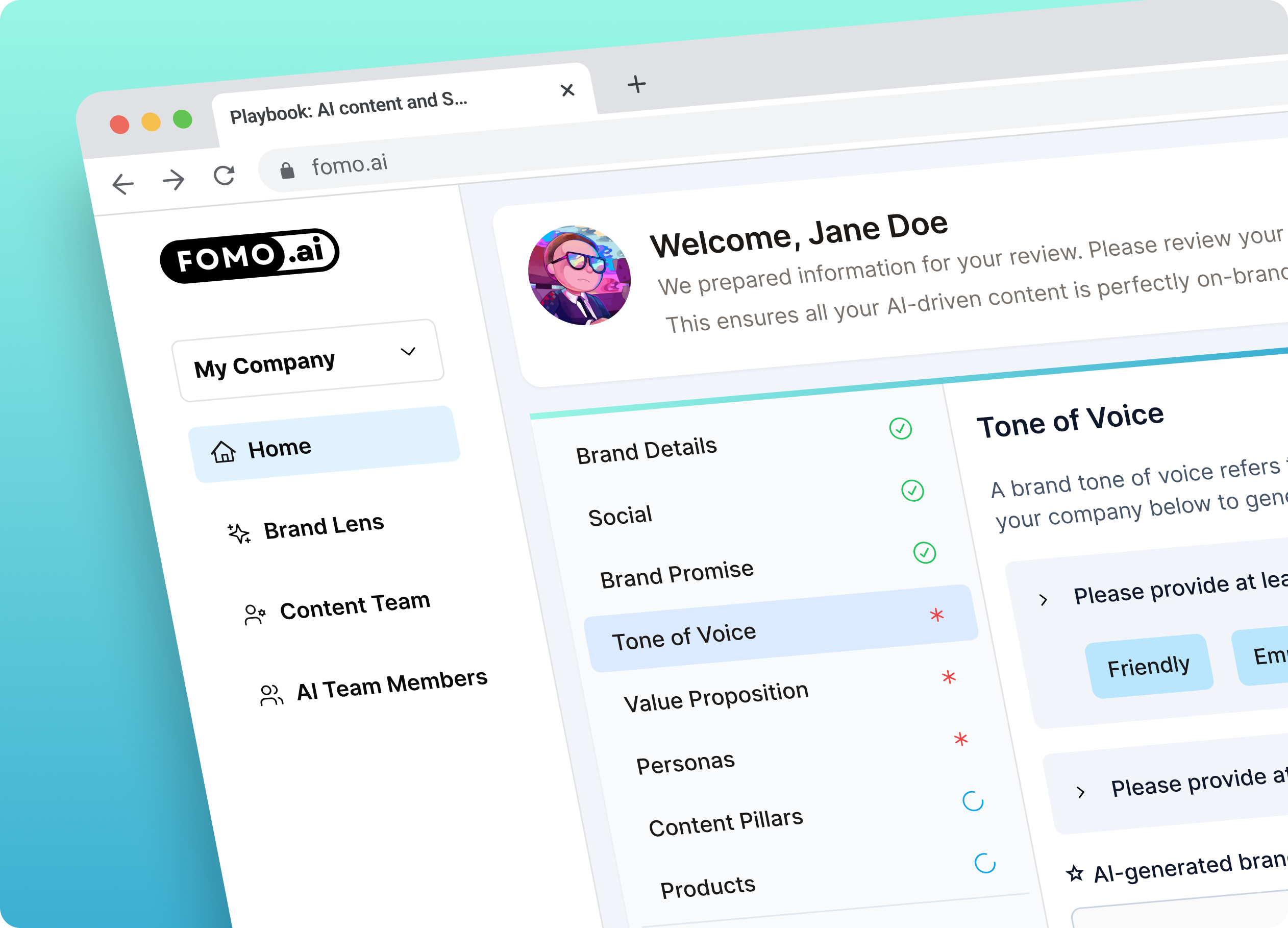
On the FOMO.ai redesign, AI-assisted prototyping let us test alternative onboarding architectures before committing anything to high fidelity. The existing flow took users over 15 minutes to complete. Diagnosing why that happened required deep product analysis. Testing what a better version might feel like required AI.
Content and copy scaffolding. Microcopy, UI error states, onboarding sequences: AI generates strong first drafts. Everything gets a human edit for voice, precision, and tone. The value is removing the blank-page overhead from tasks that don't benefit from extended creative ideation.
Heuristic audit scaffolding. We use AI to build the initial structure of UX audits: cataloging accessibility issues, flagging heuristic violations, organizing findings by severity. The diagnostic layer, what those findings mean for this product's specific users and business context, is not something we delegate.
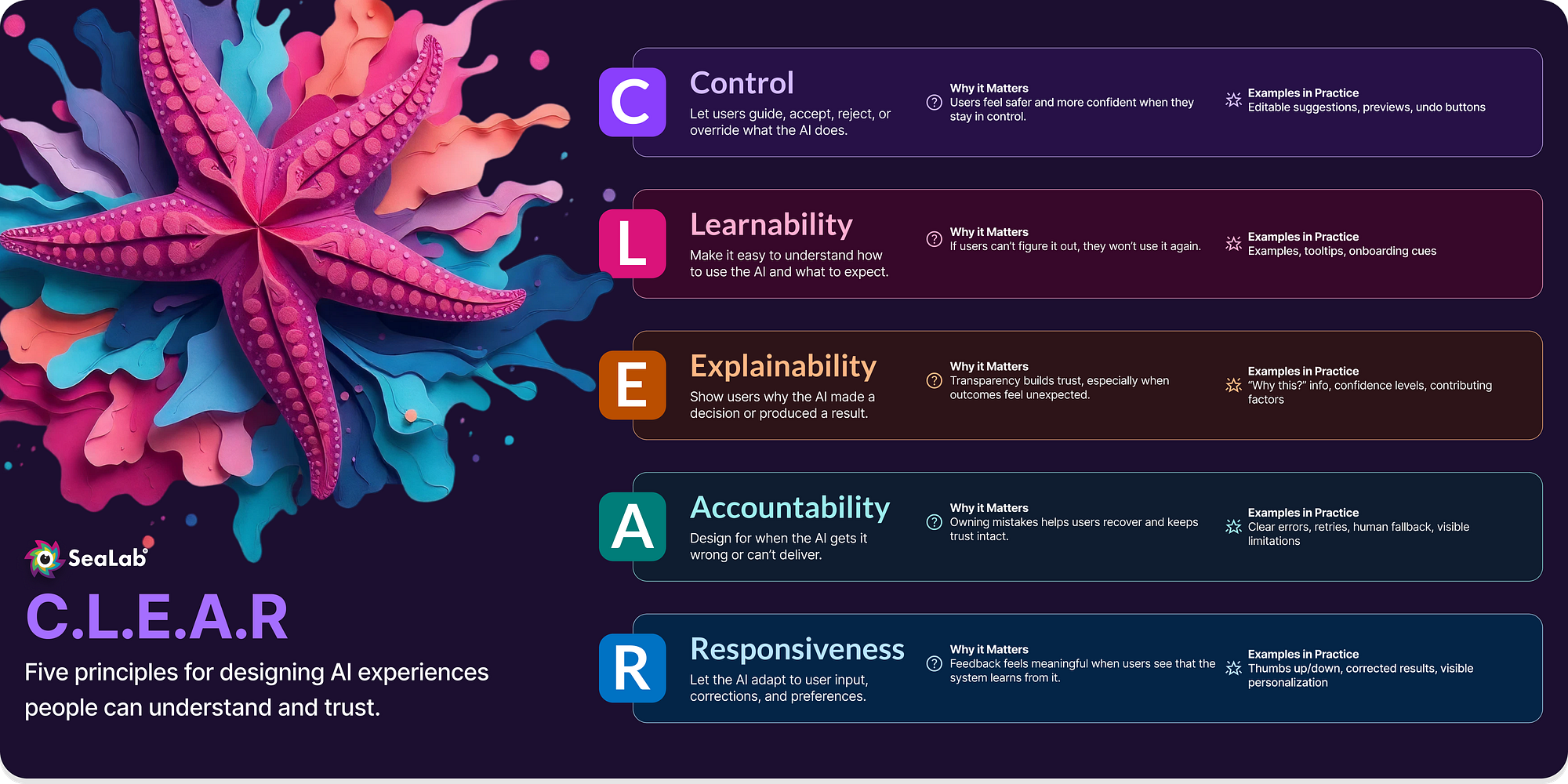
The C.L.E.A.R. Lens
Knowing where to apply AI is a process question. Knowing whether a specific AI feature is trustworthy is a design question, and those are different problems.
For the second one, we use C.L.E.A.R., a framework we built to evaluate AI behavior, trust, and usability in product work:
- Control: Users can start, stop, undo, and set boundaries.
- Learnability: First-time and repeat use feel intuitive without assuming AI literacy.
- Explainability: The system communicates what it did and why.
- Accountability: Ownership, safeguards, and escalation paths exist when the AI gets it wrong.
- Responsiveness: Feedback is timely, helpful, and proportionate.
On a recent AI product build, running a proposed feature through C.L.E.A.R. flagged two gaps before development started: users had no way to understand why the AI had flagged their input, and no recovery path when it was wrong. Those weren't edge cases: they were the core trust failure that would have caused users to abandon the feature entirely. The fix was a "Why this result?" disclosure and a one-click override, both added before any code was written.
That's the practical value of the framework. The failure mode for AI in product design is almost never technical. A model can perform well and still erode user trust if the interface doesn't give people a sense of control and clarity. C.L.E.A.R. is how we catch that before it ships.
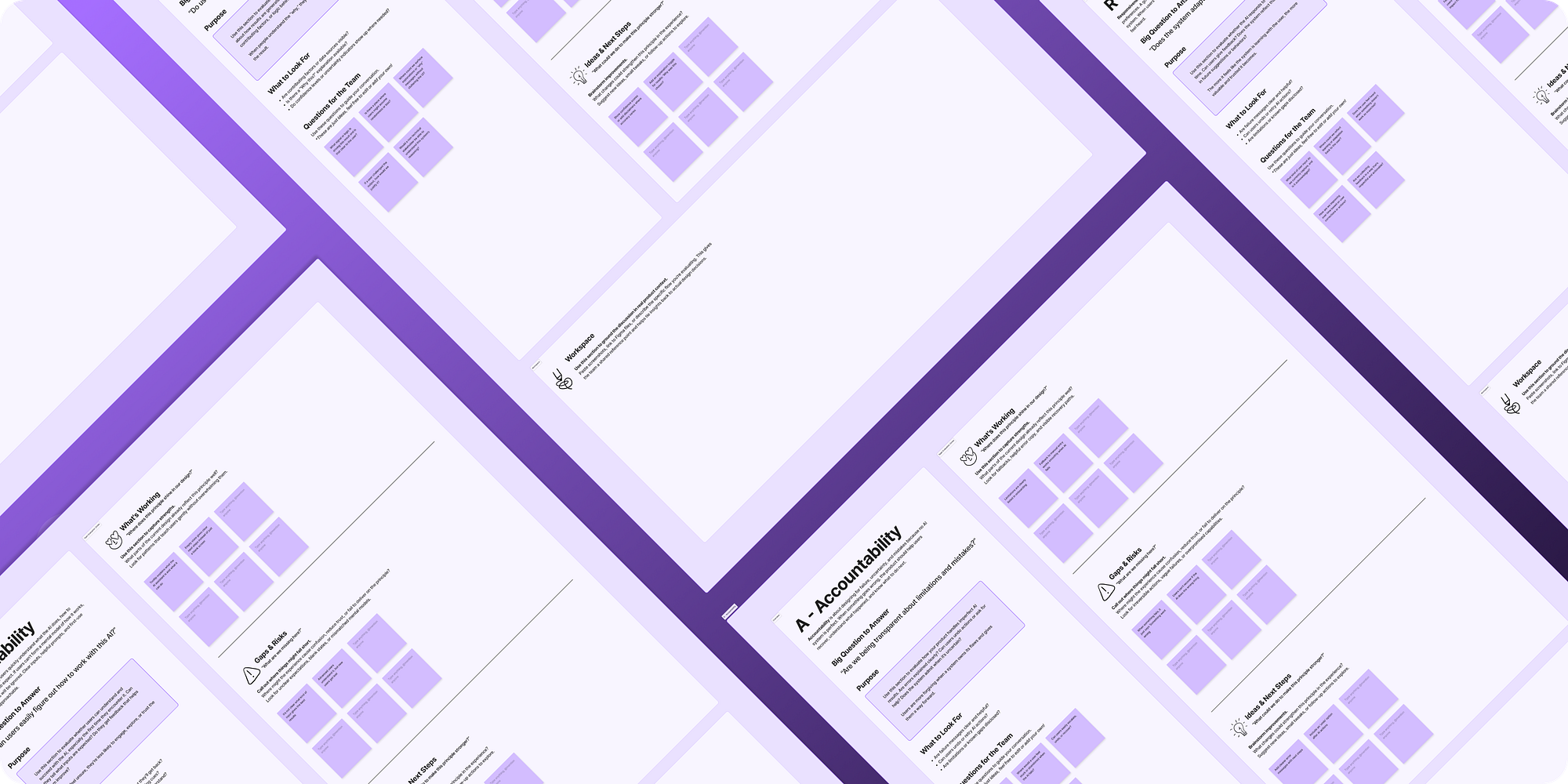
We've made the full C.L.E.A.R. FigJam workshop template free for teams who want to run it internally.
Where AI Doesn't Go
The accurate answer to "what can AI do in UX?" is: quite a lot of the production work. The accurate answer to "what should AI do in UX?" is narrower.
Diagnosis. Knowing a dashboard has too much information is a data point. Knowing why (what the user's mental model is, what the business constraint is, what the right tradeoff looks like for this product at this stage) is diagnosis. AI surfaces patterns. It can't interpret what they mean in context, and that interpretation is where most of the strategic value lives.
Stakeholder alignment. The hardest part of most design engagements isn't the design. It's getting the right people to agree on the right problem. That requires reading a room, navigating competing priorities, and building trust with people who have different definitions of success. AI generates material for that conversation. It doesn't have it.
The judgment call. Every design decision involves tradeoffs: speed versus depth, clarity versus completeness, what users say they want versus what the data shows they do. Those calls require someone accountable for the outcome.
AI replaces production volume, not diagnostic judgment. Treat it as a substitute for thinking and you get faster, cheaper, worse work.
Building a Design System for AI Products
AI-native products create a component surface area that most existing design systems weren't built to handle, and the gap is larger than most teams expect until they're in the middle of it.
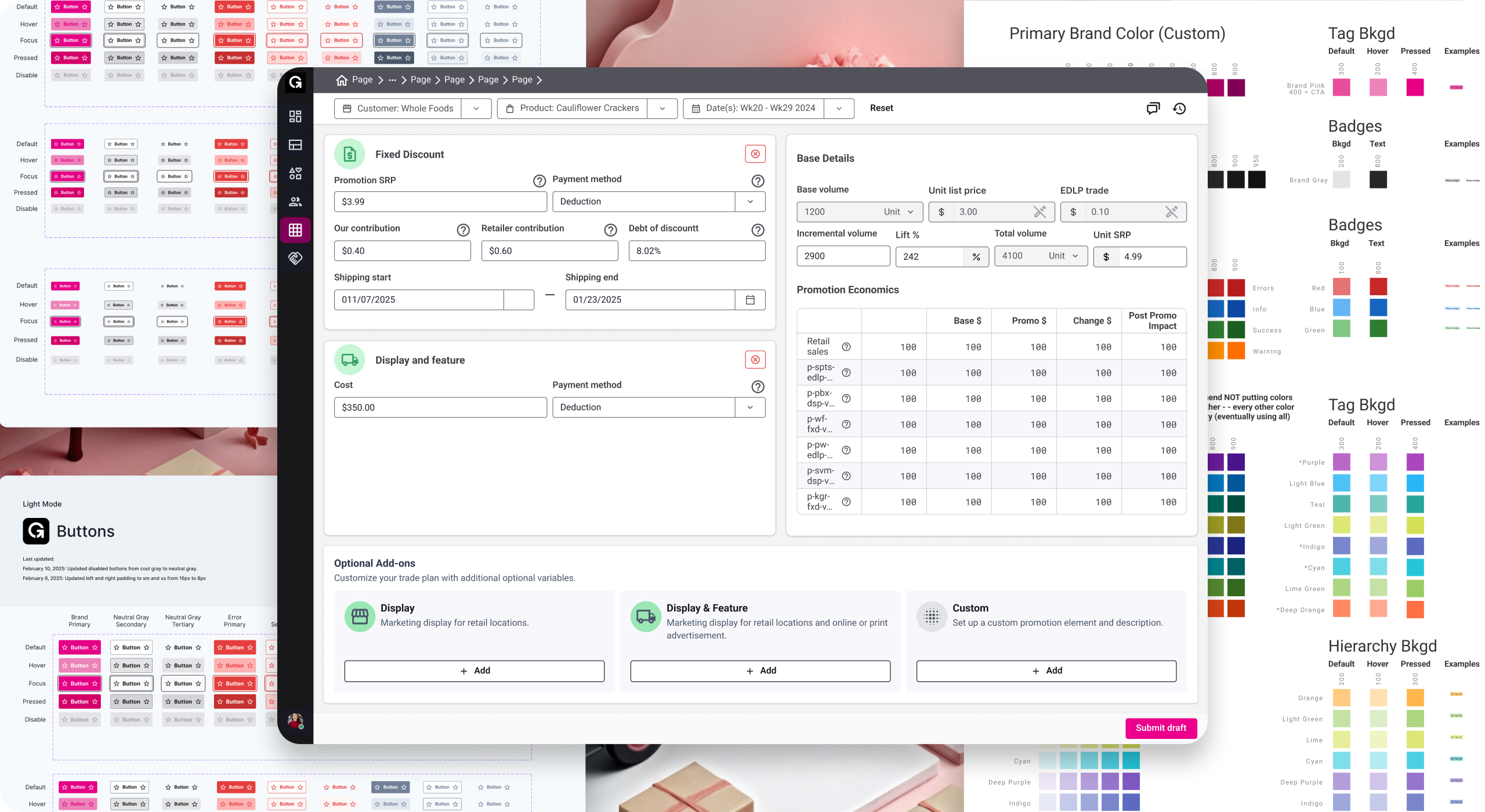
Traditional loading states (spinner, skeleton screen) don't cover the range of states an AI interaction produces: waiting, generating, interrupted, complete with caveats, complete with low confidence, error with a recoverable path, error without one. Without explicit vocabulary for these states in the design system, every product team invents their own. They invent them differently. And six months later, the same AI feature looks and behaves differently depending on which squad shipped it.
A design system for AI products needs first-class components for streaming text containers, confidence and uncertainty indicators, feedback and correction mechanisms, and state transitions that reflect non-deterministic operations. These aren't edge cases to handle later. They're the core interaction vocabulary for any product where AI output is visible to the user.
The teams that fold these into the system from the start end up with more consistent products and a shorter path to iteration. The teams that treat them as special cases outside the system pay for it in consistency debt. We cover naming, governance, and contribution models for this in our design system best practices post.
Why This Matters (Depending on Who You Are)
Product and engineering leaders: AI gives design teams the ability to explore more directions faster and synthesize research at a scale that used to take weeks. The constraint is still the diagnostic layer: knowing which direction to pursue and what the research means for your specific product. A design partner who uses AI well gets you to better-informed decisions faster, not just cheaper outputs. See what that looks like in our services.
Design leaders and senior designers: The question isn't whether AI belongs in the process. It's whether your team has a principled framework for where it does and doesn't belong. C.L.E.A.R. is ours. The "where AI doesn't go" discipline is what keeps the craft intact at the diagnostic and judgment layer, which is exactly where senior design work earns its value.
If you'd like to think through how AI fits in your product or your design org, we offer a free 60-minute working session: no pitch, just clarity.